 Help Center
Recurring Invoices - Split Invoice and Payment Date
When setting the Recurring Invoice to automatically Process Payment and Post into QuickBooks/Xero with Invoice, you can now choose to Process the Payment X days later or on the due date of the invoice.

-
- This will create an invoice with a scheduled payment.
- If an email is sent to the customer/contact they will see when their payment will be processed on the email.

-
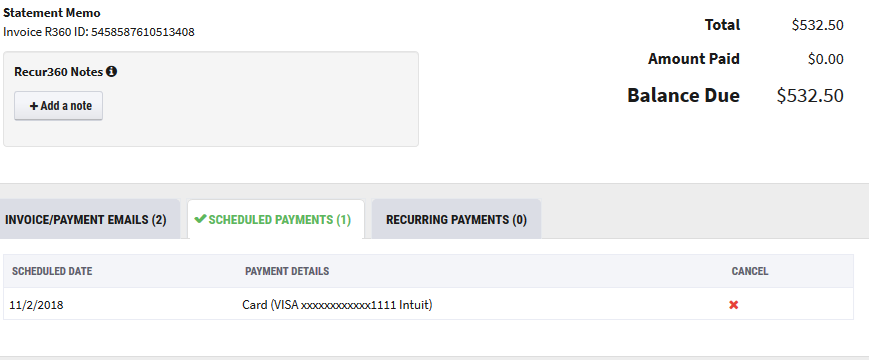
- Prior to the processing date you can see when the payment is scheduled to process.
-
- If the customer/contact makes a payment to the invoice prior to the date of the scheduled payment, you can cancel the payment and it will not process the CC or ACH payment, by clicking the x in the Cancel column.